FedRAMP alternatives, made decidable
The fastest path to a defensible CUI tech stack: a free authorization-status checker, side-by-side comparisons of the platforms defense contractors actually use, and a curated set of NIST 800-171-aligned alternatives — all in one place.
TL;DR — what to use, what to avoid
- For DoD CUI (CMMC L2): Microsoft Teams GCC High + Microsoft 365 GCC High + Mattermost for Government. Almost everything else is non-compliant.
- For civilian-agency CUI: Slack GovSlack, Zoom Gov, Webex Government can work — verify the contract's authorization level first.
- Avoid: Commercial Microsoft 365, commercial Slack, commercial Zoom, Dropbox (all variants), Google Workspace (commercial). Not authorized for CUI.
- Plan around: the GCC → GCC High move is routinely underestimated. Price the per-seat delta and the cutover window against your own contract before you commit — we are not going to invent an industry average for either.
Free tools — start here
FedRAMP Tool Finder
Free · No signup
Search 200+ enterprise products for FedRAMP authorization status, impact level, and CMMC L2 readiness — instant lookup.
CUI Compliance Auditor
Free · No signup
Check your tech stack against NIST 800-171 and identify FedRAMP-authorized replacements for non-compliant tools.
What contractors with FedRAMP-authorized stacks see in their pipeline
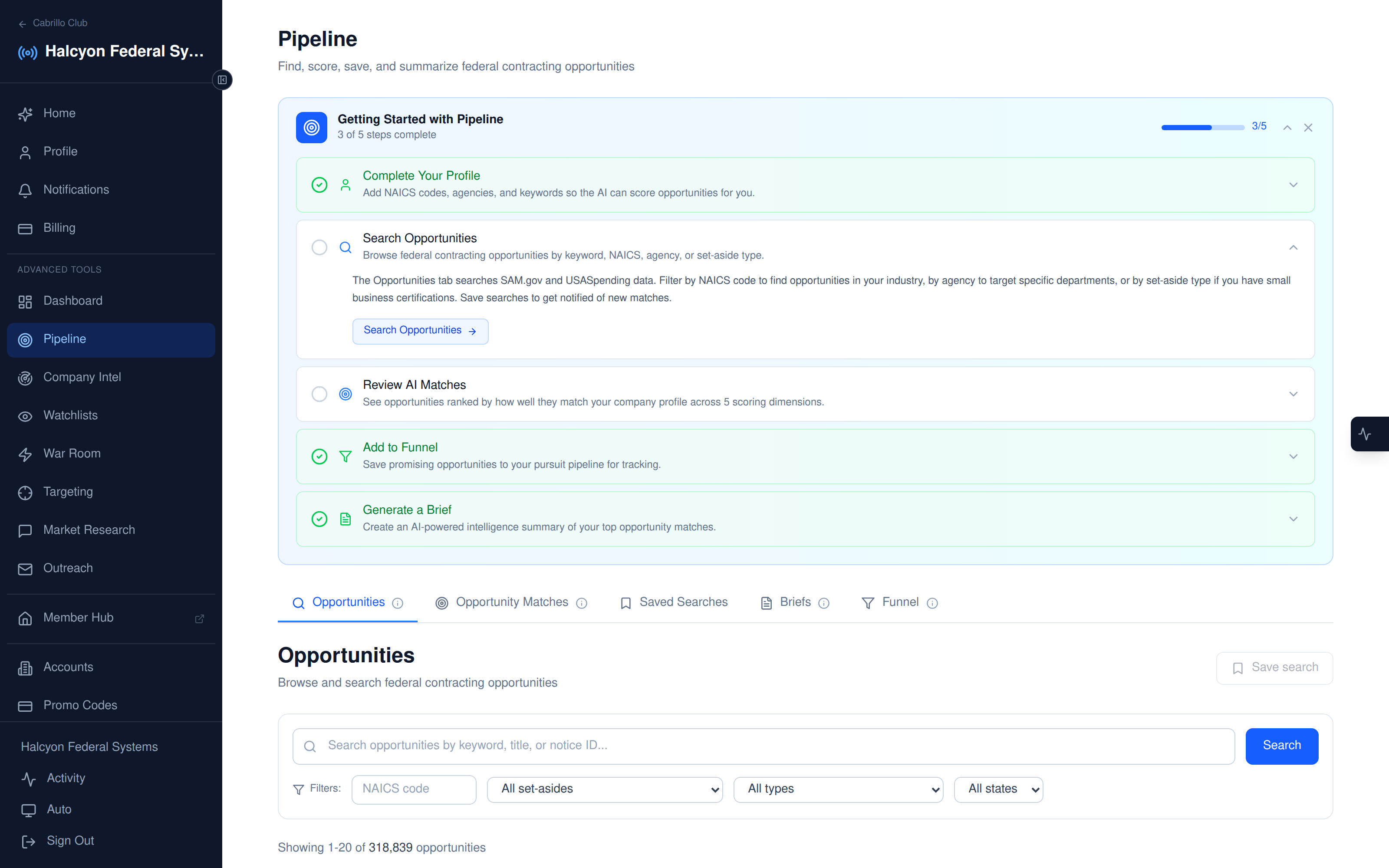
Real anonymized match-detail view from a CMMC-aligned contractor's Signals workspace. FedRAMP authorization unlocks contracts that non-authorized vendors literally can't compete for.
Why FedRAMP authorization matters more than you think
FedRAMP authorization isn't just a checkbox. It's the single most efficient compliance shortcut available to defense contractors handling Controlled Unclassified Information.
Under DFARS 252.204-7012 and CMMC 2.0 Level 2, contractors are responsible for protecting CUI in any cloud service that processes, stores, or transmits it. The contract reciprocity rule allows you to inherit the security validation FedRAMP already performed — meaning you don't have to do an independent assessment of the cloud provider's controls.
Choose a non-authorized tool, and you take on that work yourself: penetration tests, control mappings, third-party attestations — the evidence an assessor would otherwise have inherited from FedRAMP. That work is not free, and with third-party CMMC assessment suspended it is you, not an assessor, who has to stand behind the result in SPRS.
The three traps that break CMMC Level 2 compliance
Trap 1: Treating “FedRAMP” as a single thing
Microsoft 365 GCC, GCC High, and DoD are three different products with three different impact levels. CMMC L2 work usually requires GCC High. Many contractors assume GCC is enough — it isn't.
Trap 2: Trusting the vendor's marketing page
“FedRAMP-aligned,” “FedRAMP-equivalent,” “FedRAMP-ready” — none of these mean authorized. Always verify against marketplace.fedramp.gov by exact product name.
Trap 3: Underbudgeting the migration
Per-user cost is the visible delta. The hidden cost is the cutover: data migration, identity federation, MFA reconfiguration, license renegotiation, and 30-60 days of dual-running. Plan 90 days end-to-end and a 25-30% productivity dip during the migration.
Get a defensible CUI architecture
The FedRAMP alternatives playbook flags the gaps. The next step is a compliance architecture review where we map your data flows to FedRAMP-authorized alternatives and CMMC-aligned controls.
Apply for an evaluationRelated: how much CMMC certification costs — DoD’s own priced figures
Go deeper
Best FedRAMP Collaboration Tools Compared (2026)
Microsoft Teams GCC High, Slack GovSlack, Mattermost, Webex, Zoom Gov — side-by-side comparison with CUI verdicts.
Read articleMattermost vs Teams vs Slack: Only 1 of 3 Passes CUI
Head-to-head security architecture comparison — which platforms actually clear CMMC Level 2 evidence requirements.
Read articleNIST 800-171 Audit Logging Compliance Guide
All 9 AU-3.3 controls — implementation guidance, common gaps, evidence checklists.
Read articleCMMC Certification Cost Breakdown by Level
What DoD priced in its own rule: $5,977/yr Level 1 self, $101,752 for a small-entity Level 2 certification, $2.7M plus $490K/yr for Level 3.
Read articleFrequently asked questions
What does "FedRAMP authorized" actually mean?
FedRAMP authorization means a cloud service has passed a standardized security assessment by either a Joint Authorization Board (JAB) or an Agency-sponsored review against FedRAMP Low, Moderate, High, or LI-SaaS baselines. Authorization is product-specific and impact-level-specific — "Microsoft 365" is not FedRAMP-authorized, but "Microsoft 365 GCC High" is. Always check the FedRAMP Marketplace for the exact product name and impact level.
Do I need FedRAMP-authorized tools to handle CUI under CMMC Level 2?
CMMC 2.0 does not strictly mandate FedRAMP authorization, but DFARS 252.204-7012 and the CMMC L2 reciprocity rule make FedRAMP Moderate (or equivalent) the practical floor for CUI handling in cloud services. Using non-authorized tools means your assessor will require equivalent evidence — typically a much heavier lift than just picking a FedRAMP-authorized alternative.
What is the cheapest FedRAMP-authorized collaboration platform?
For self-hosted budgets: Mattermost for Government with FedRAMP Moderate authorization. For managed: Microsoft Teams GCC (around $20/user/month) — but only Microsoft Teams GCC HIGH (not GCC) supports CUI for CMMC L2. The price gap between GCC and GCC High is often $25–$40/user/month.
Is Slack GovSlack a FedRAMP alternative?
Slack GovSlack has FedRAMP Moderate authorization but does not currently meet FedRAMP High or DoD IL5 requirements. It works for FCI handling and many civilian-agency CUI workflows, but not for DoD CUI subject to CMMC L2 / DFARS 7012. Verify your contract's specific authorization-level requirement before committing.
How do I quickly check if a vendor is FedRAMP-authorized?
Three checks: (1) the FedRAMP Marketplace at marketplace.fedramp.gov for the exact product name; (2) the vendor's trust/compliance page should list a FedRAMP package number; (3) request the SSP / SSAR — vendors with real FedRAMP authorization will share at least the executive summary on request. Use our free FedRAMP Tool Finder below for an instant lookup against 200+ enterprise products.
What are the highest-leverage FedRAMP-authorized alternatives for defense contractors?
For collaboration: Microsoft Teams GCC High + SharePoint GCC High. For email: Microsoft 365 GCC High. For file transfer: Mattermost for Government, Microsoft OneDrive GCC High, or AWS GovCloud S3. For DLP: Microsoft Purview GCC High or Forcepoint DLP. For identity: Okta GovCloud or Microsoft Entra ID GCC High. The full landscape is in our comparison tool below.